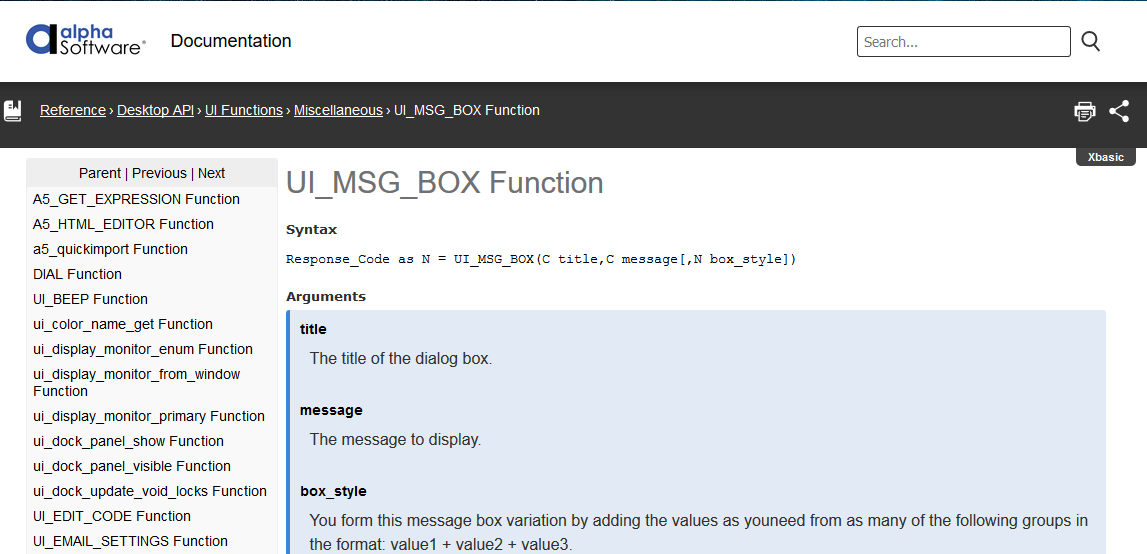
F1 Help for functions - Code Editor and Interactive Window
Description
From the Code Editor or Interactive Window you can get immediate access to a function's reference page in the help documentation. Here is how:
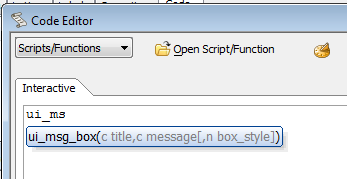
When you are in the Alpha Anywhere code editor or interactive window, you will automatically get function completion as you type:
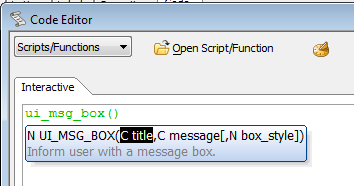
As you continue to type, you can get help for the current parameter in the function call:
If that is not enough help, close the parentheses and place your cursor inside the name of the function:
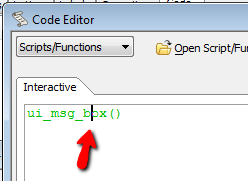
Now press F1 and the appropriate page will be launched.